
IEEE-1588 PTP Grandmaster - DTS 4148

IEEE-1588 PTP Grandmaster - DTS 4148

DISCONTINU D’ICI LA FIN DE 2025
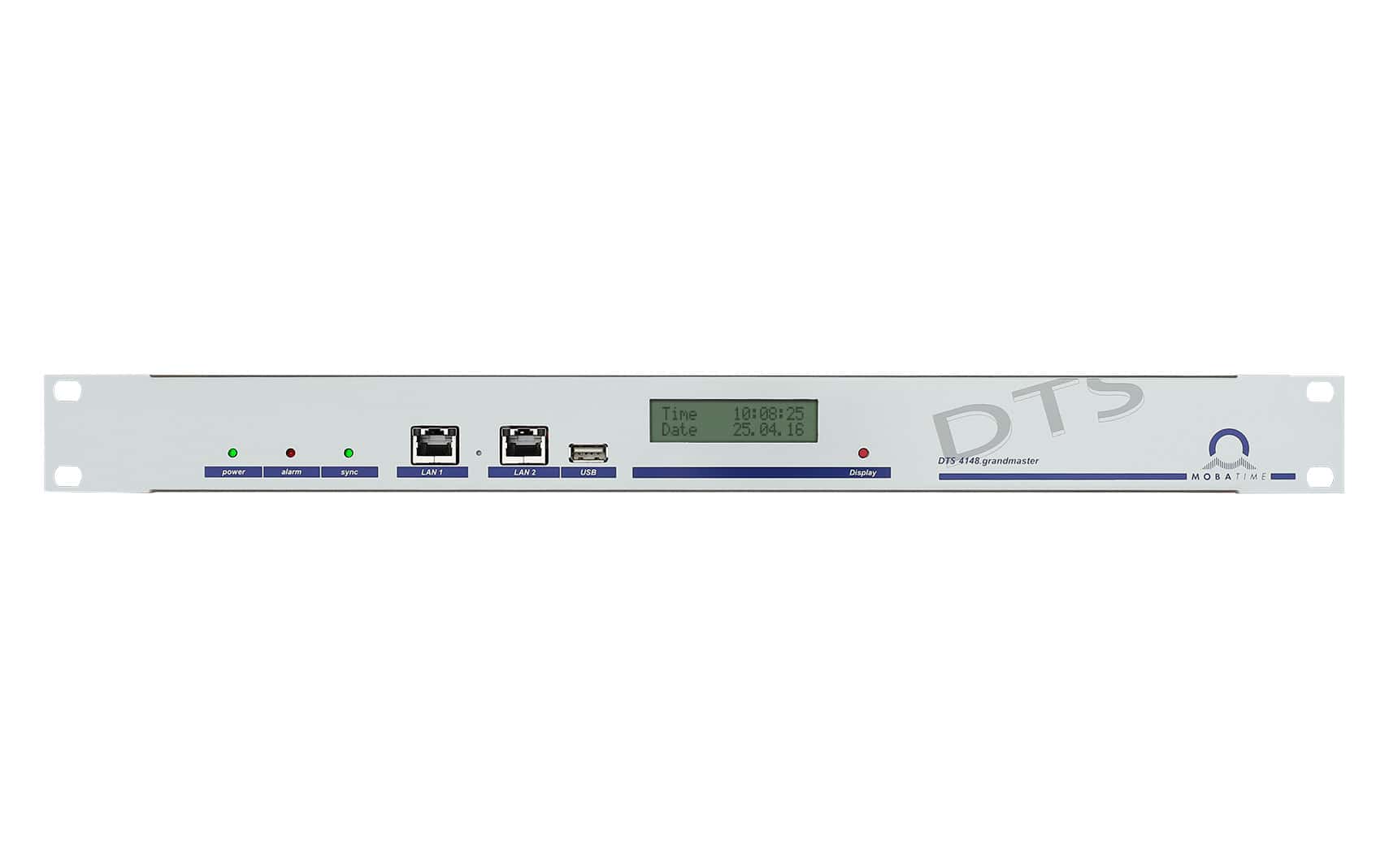
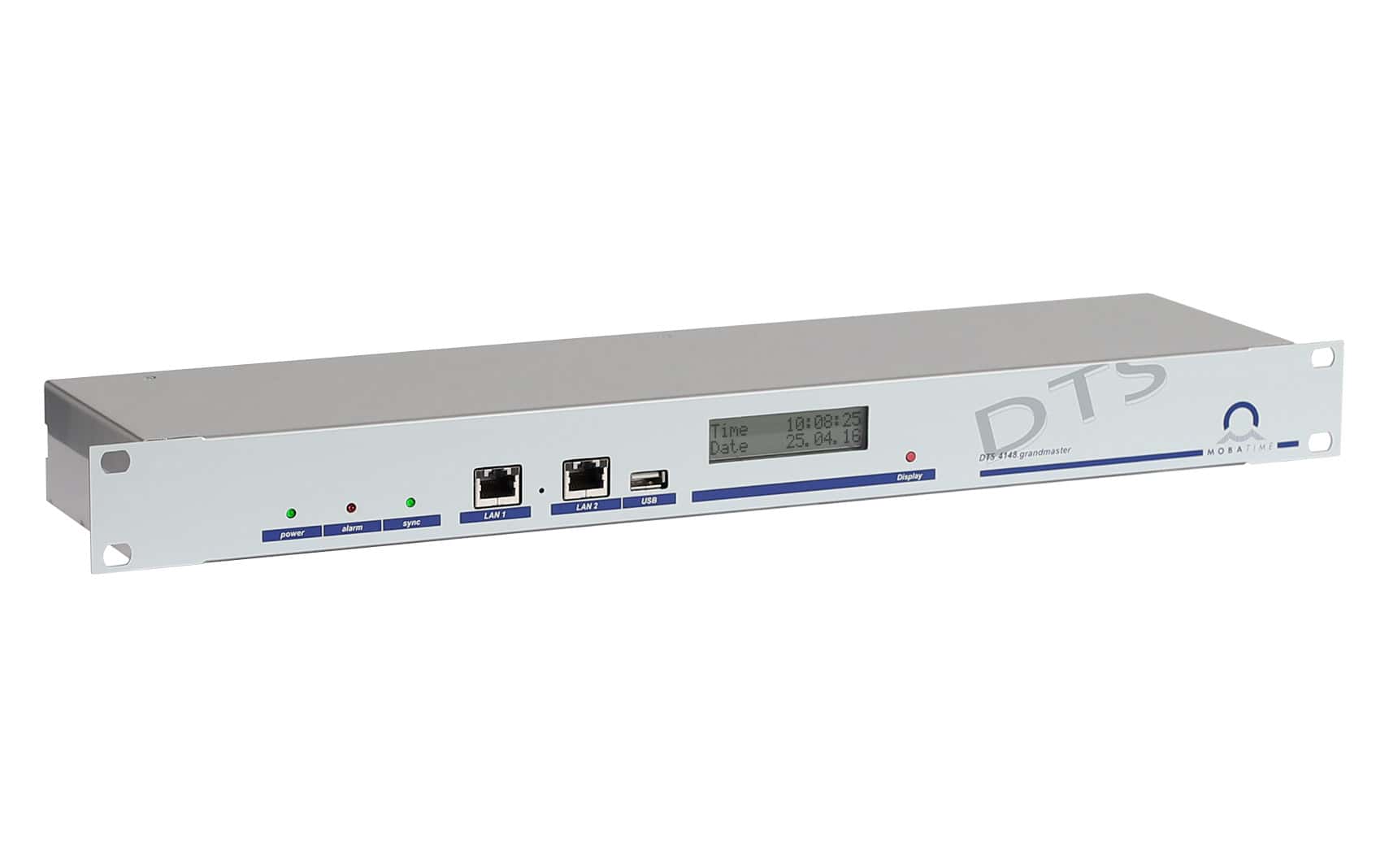
Le DTS 4148 est une référence temporelle pour les clients NTP et PTP dans les réseaux de moyenne et grande taille avec jusqu’à 2 ports réseau (IPV4/IPV6). Grâce à sa haute précision et à son concept intelligent de fonctionnement redondant, il offre un haut degré de fiabilité et de disponibilité.

Type d'oscillateur :OCXO
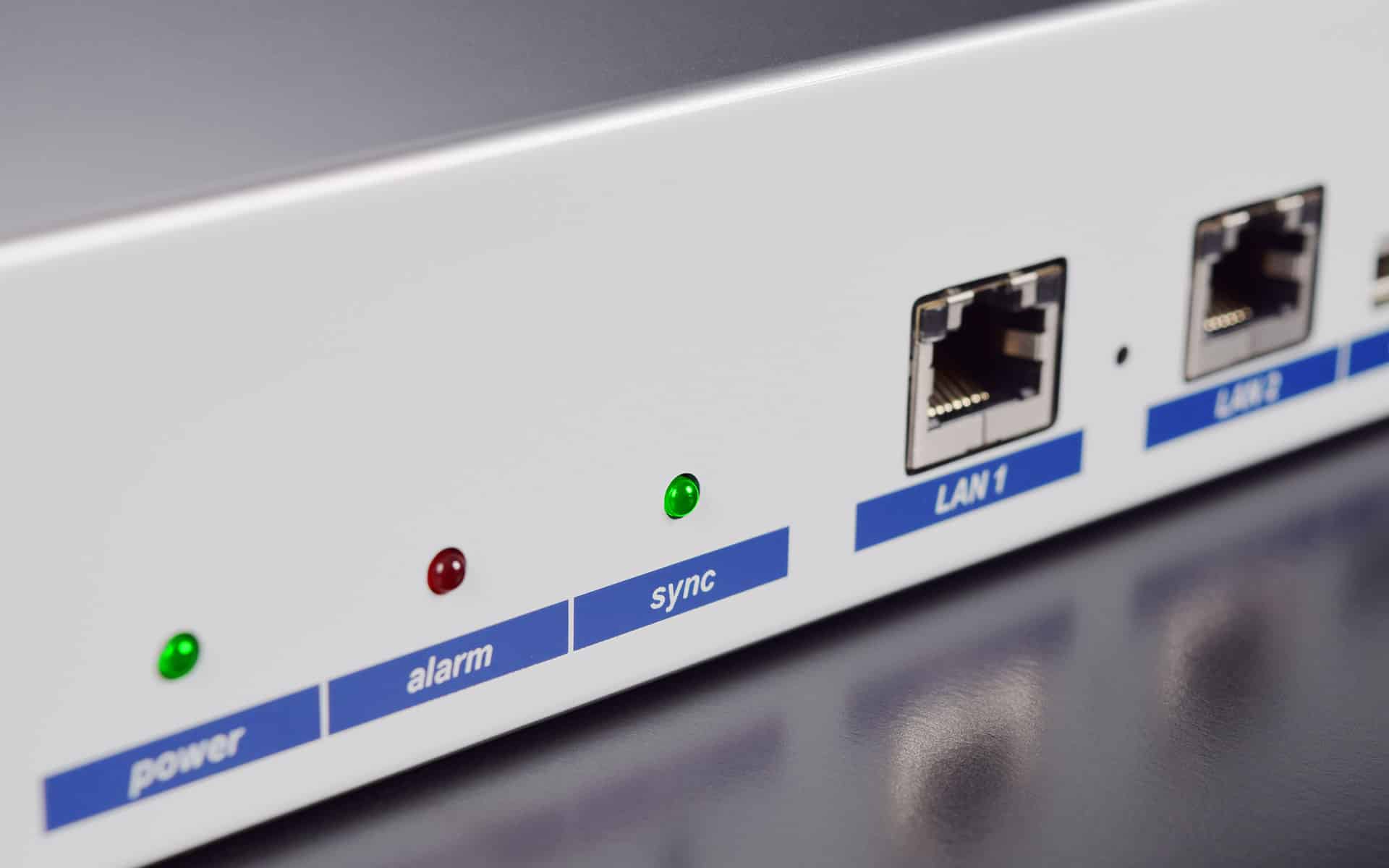
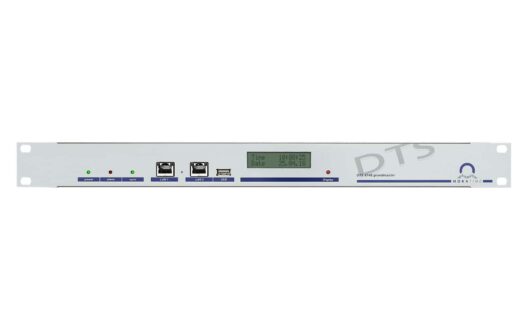
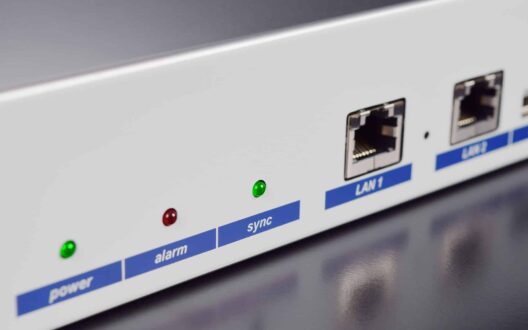
2 ports LAN complètement séparés (2x RJ45)fournit PTP sur les deux ports, multicast, IPv4/IPv6/Couche 2, fournit NTP sur les deux ports (<1'500 requêtes/s sur les deux ports combinés)
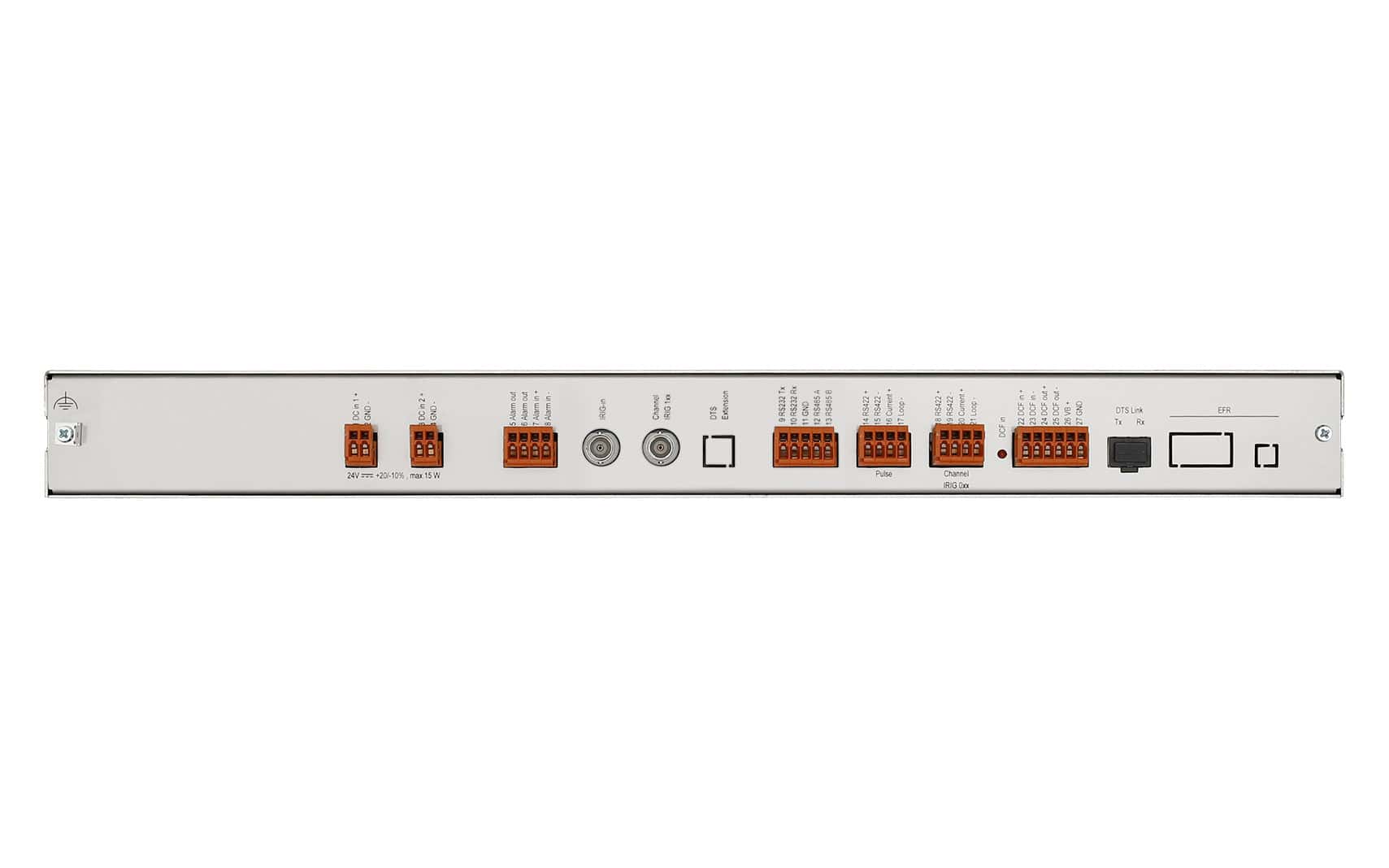
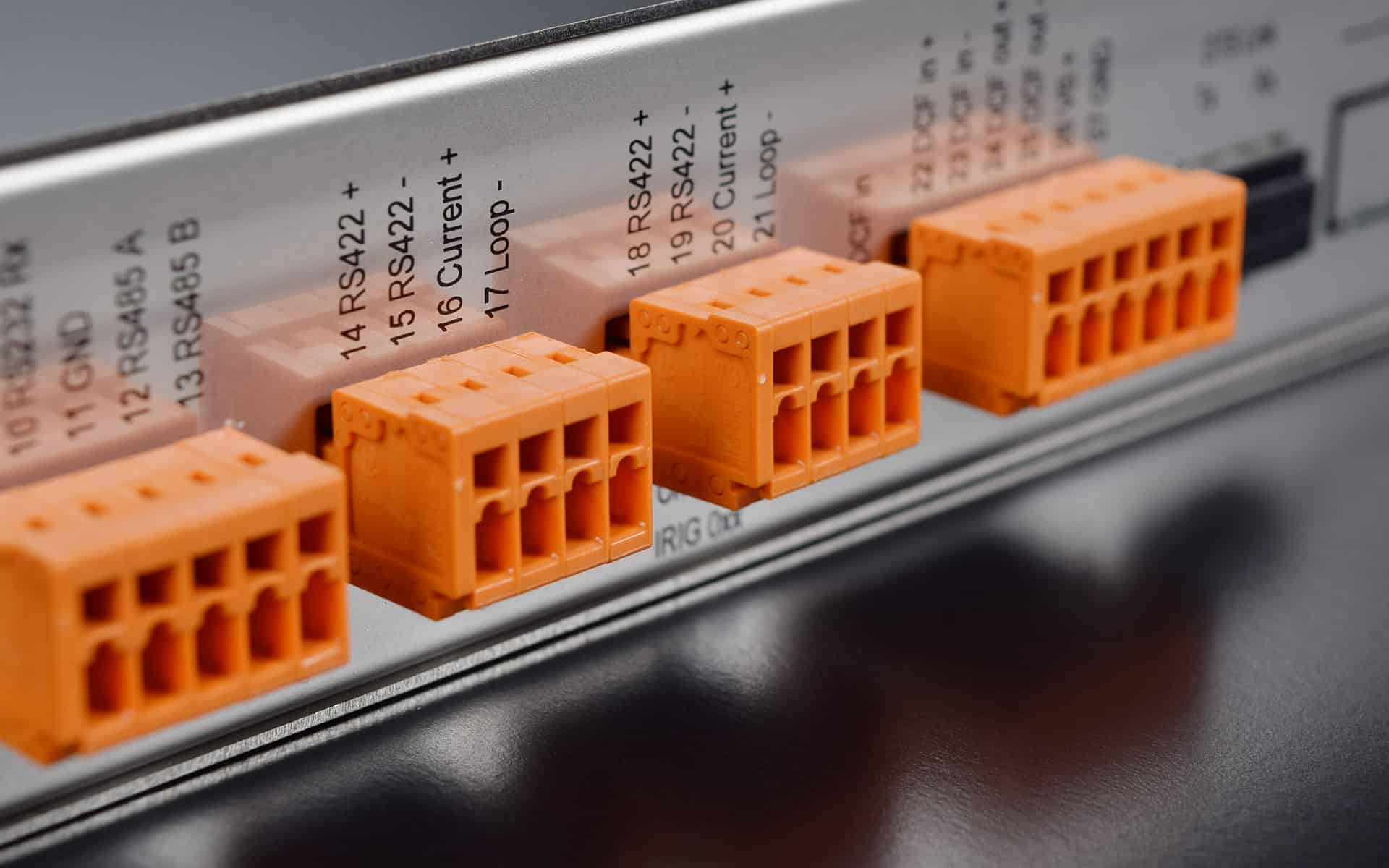
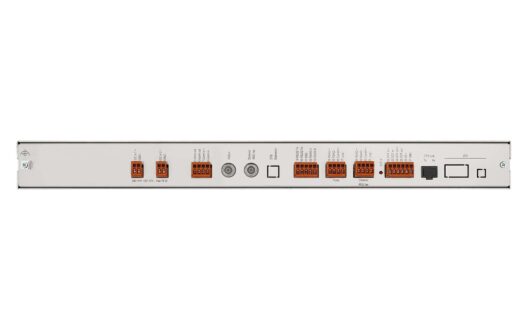
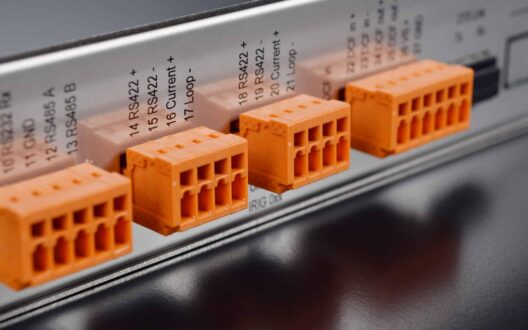
Sorties :1x sortie DCF/impulsion/fréquence, 1x IRIG-B / AFNOR, 1x sortie série, 1x sortie boucle de courant DCF
Heure de haute précision :Réception de l'heure du GPS
Redondance :fonctionnement maître-esclave avec commutation automatique en cas d'erreur
Afficher plus
Configuration IPDHCP, statique IPv4, IPv6
Alimentation électrique2 x entrée DC : 24 VDC +20 % / -10 % / max. 10 W, sortie DC : Tension d'entrée DC -2 V, max. 400 mA
PrécisionGPS (entrée DCF) vers serveur NTP : typique < ± 100 µs / GPS (entrée DCF) vers serveur PTP : typique < ± 10 µs / GPS (entrée DCF) vers DCF 77 / sortie d'impulsion : typique < ± 10 µs
FonctionnementVia LAN : MOBA-NMS, Telnet, SSH, SNMP (logiciel spécial nécessaire)
Afficher plus

Our tutorial videos will help you with the procedure for commissioning a DTS device in a network without dynamic IP address assignment DHCP. You will be shown how to make the settings on the DTS device and how to assign the IP address.


What is supplied by MOBATIME?

  • DTS device (e.g. DTS 4801.masterclock)
  • Rack mounting material
  • Terminal opener-tool


What do you need to be ready?

  • PC or Laptop
  • Switch
  • Serial cable (SUB.D9 pole, 0-modem (crossed))
  • USB Serial Adapter (only if you don’t have a serial input on your device)
  • Power cable
  • Network (LAN) cable


You need to download the following software:


Below you will find our six tutorial videos that will help you complete the initial installation:

  1. Identify PC COM Port
  2. Open PuTTY
  3. Configuration of DTS Menu IP in PuTTY
  4. Define PC/Laptop IP
  5. Add Single Device in MOBA-NMS
  6. Select synchronization source in MOBA-NMS

Both, PTP and NTP provides time synchronization over a packet based network. But not both protocols are dedicated to the same application fields. It depends on the system’s needs, which of the protocol is preferred.

PTP is needed where a higher level of precision is required (e.g. Telecom, Power distribution, Air traffic control etc.) With PTP sub microsecond or even nanosecond accuracies are feasible, whereas NTP only reaches millisecond level. The key of PTP is hardware timestamping. Only if the timestamping happens close to the wire, it is possible to reach this high level of accuracy. The drawback of it is the need for dedicated hardware and an engineered network.

NTP is an old Internet protocol which is still widely used to distribute time (e.g. clock systems or IT Networks). NTP provides a simple way to synchronize all device over a regular network and even over internet. To ensure a reliable time in a local network, the best solution is to place an NTP server, which is connected to a GNSS Antenna, into the network. Whereas time is needed for clocks, access control systems and other such systems the accuracy of NTP is sufficient. The benefit of NTP is it’s robustness and it’s ability to run on a standard IT equipment.

If you need further information on this topic, please do not hesitate to contact us. We would be pleased to support you.